
Best Free Online Volume Booster 2026: Increase Audio Volume Safely
Key takeaways
- ▸Use a reliable volume booster to permanently increase audio loudness without distortion.
- ▸Understand dB and LUFS to ensure high-quality audio enhancement.
- ▸Browser-based tools like Audio Trimmer offer secure, software-free processing in 2026.
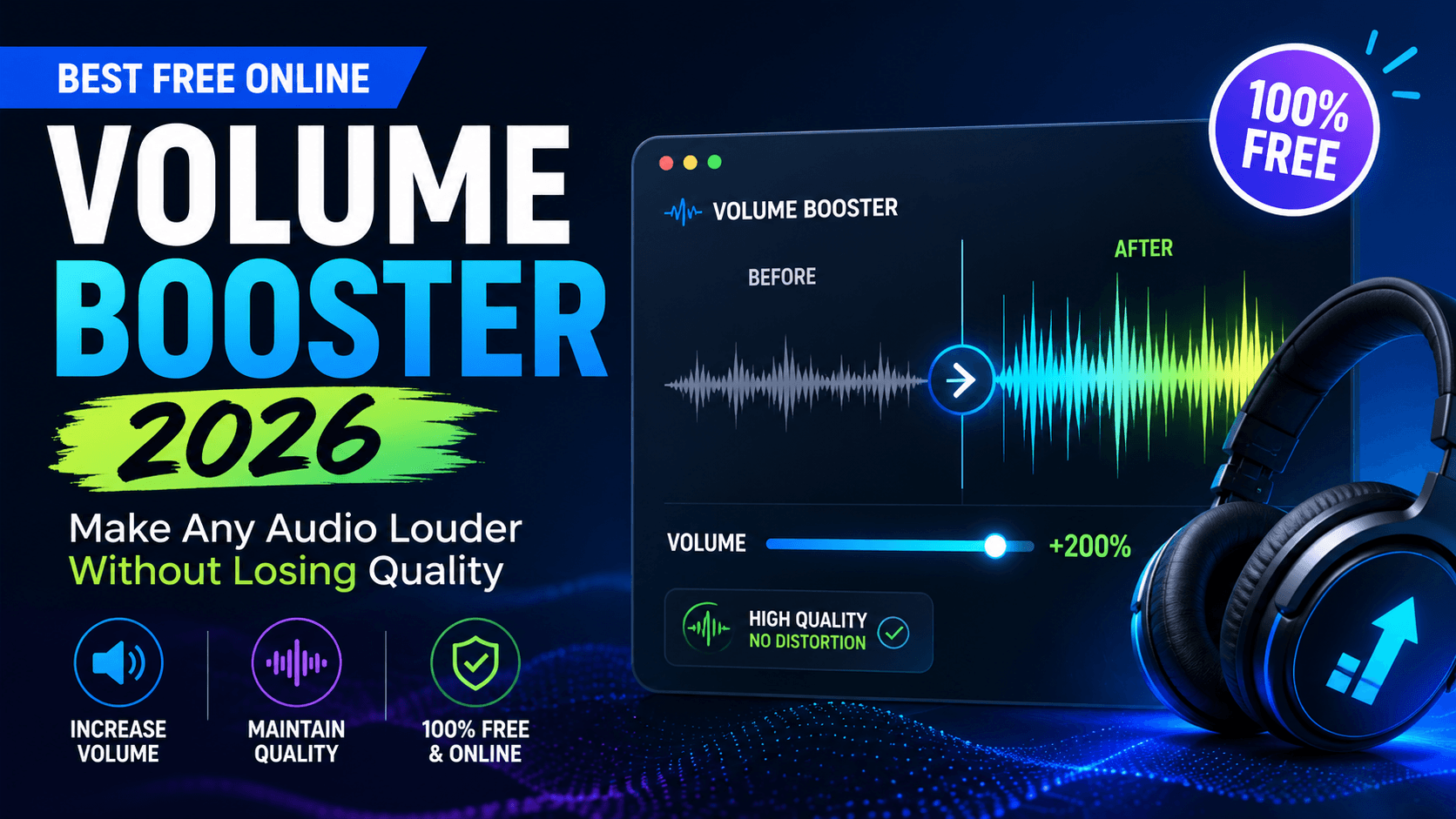
Best Free Online Volume Booster 2026: Make Any Audio Louder Without Losing Quality
Struggling with quiet audio files? Whether it is a downloaded track that sounds muffled on your phone, a podcast episode too soft for your daily commute, or a voice recording from a meeting that is barely audible, finding a reliable volume booster is the ultimate solution.
In 2026, the best online tools let you permanently increase loudness right in your browser, with zero software installs and no risk to your original files. Audio Trimmer stands out as one of the most reliable and user-friendly platforms available today. It acts not just as an audio booster, but as a complete workspace where you can enhance, cut, and convert your media in a secure environment.
What Is a Volume Booster and Why Do You Need One?
At its core, an audio volume booster is a tool that increases the amplitude and perceived loudness of an audio signal. Modern online solutions go far beyond basic amplification; they apply intelligent algorithms that push the sound up without breaking it.
Demand for these tools continues to grow because streaming platforms heavily compress audio, and user-generated content often has inconsistent recording levels. When faced with a quiet file, users usually search for an immediate increase volume booster fix to save their listening experience.
Audio Trimmer delivers exactly that: a clean, no-nonsense platform that processes files swiftly. Whether you need to fix an old lecture or simply want a tool to make audio louder, having a web-based solution saves time and frustration.
Audio Trimmer
Trim and cut MP3, WAV, and OGG audio files directly in your browser. No uploads, no software needed.
Try Audio Trimmer NowThe Science Behind Quiet Audio: dB, LUFS, and Limiting Explained
To understand how to edit sound without ruining it, you need to understand how digital audio is measured. Many tools simply push the volume slider up, resulting in terrible distortion. A smart volume increaser uses specific audio engineering principles:
Decibels (dB): This is the unit used to measure the intensity of a sound. In digital audio, 0 dB is the absolute maximum peak. If a sound wave goes above 0 dB, the top of the wave is "chopped off." This creates a harsh, crackling sound known as digital clipping.
LUFS (Loudness Units relative to Full Scale): While dB measures the absolute peak limit, LUFS measures perceived loudness over time—how loud the human ear actually thinks the file is. Streaming platforms like Spotify or Apple Music standardize audio at around -14 LUFS.
Peak Limiting & Normalization: When you use a quality MP3 volume booster, it doesn't just blindly turn everything up. It applies peak normalization (finding the loudest single moment and bringing it just under 0 dB) and intelligent limiting to ensure the overall track feels louder without crossing into distortion territory.
Common Problems with Low-Volume Audio
Users frequently need to fix audio for a variety of everyday reasons:
- Archived Music: Older CDs mastered in the 1980s or 90s are dramatically quieter than modern releases. You often need to increase volume of MP3 albums just so they match modern playlists.
- Podcasts and Voice Notes: Interviews featuring guests on different microphones usually suffer from unbalanced audio levels.
- Content Creation: If you are downloading non-copyrighted background music, a quick YouTube to MP3 trim followed by a volume boost is a standard workflow for video editors.
Online Boosters vs. Desktop Software
If you are wondering how to edit MP3 files, you generally have three choices: desktop software, mobile applications, or browser-based tools.
Heavy desktop programs like Audacity offer incredible control, but they have a steep learning curve and require installation. Mobile apps often clutter your screen with ads and require invasive device permissions just to act as a basic ringtone maker app.
Browser tools strike the perfect balance. If you need to fix your music quick for Windows 11, macOS, or mobile, web-based processing is unbeatable. You get professional-grade processing power via cloud servers without draining your local system resources.
Audio Trimmer Features Breakdown
Audio Trimmer is designed to handle multiple tasks in a single workspace. Instead of downloading a separate bass booster, volume booster, or format converter, you can do it all in one tab:
- Multi-Format Support: Easily convert any uncommon audio file to MP3 or work natively with WAV, M4A, OGG, and FLAC.
- Precision Cutting: It doubles as an MP3 maker, allowing you to cut out silence or isolate the exact 15-second hook you need.
- Privacy-First: Files are processed securely on remote servers and automatically deleted within a few hours to protect your privacy.
Step-by-Step Guide: How to Boost Volume Online
Using the platform is incredibly straightforward. Here is how to raise volume of MP3 files in a few simple clicks:
- Upload: Visit the Audio Trimmer workspace and drag your file into the upload box.
- Analyze: The tool will generate a visual waveform so you can see where the audio is dipping.
- Adjust: Select your desired decibel increase. If you aren't sure, start with a moderate +3 dB to increase MP3 sound gently.
- Edit (Optional): Use the handles to trim audio file segments, removing dead air at the beginning or end of your clip.
- Process & Download: Click boost. The server will apply intelligent limiting and deliver a perfectly amplified file.
Advanced Techniques for Professional Sound
If you want to edit music like a professional, combine multiple steps.
Never just maximize the volume blindly. Start by trimming away unwanted silence. If a file has one massive volume spike (like a microphone bump) and the rest is quiet, trim out that spike first. Once the outlier is gone, you can safely increase MP3 volume across the whole track without hitting the digital ceiling.
For creators looking to build custom phone alerts, this method is highly effective. Combining precise cuts with a heavy volume boost makes this platform vastly superior to a standard mobile ringtone maker.
Start with a moderate volume increase and trim unnecessary silence before boosting to achieve the best results without distortion.
Mobile Experience: Editing on the Go
You don't need a laptop to boost audio. The Audio Trimmer platform is completely responsive, meaning it scales perfectly to iPhone and Android browsers. You can seamlessly upload a voice note from your iOS Files app, push the decibels higher, and save it straight back to your cloud storage while sitting on the train.
Frequently Asked Questions
Does making an MP3 louder reduce its quality?
Not if you use a tool with smart peak limiting. Basic amplifiers will cause digital clipping (distortion), but a proper booster increases the LUFS without allowing the audio peaks to cross the 0 dB threshold.
Can I use this tool to increase volume permanently?
Yes. Unlike browser extensions that only make the playback louder on your current machine, this tool permanently alters the file metadata and waveforms. The downloaded result will sound louder on any device you play it on.
Is it safe to upload personal voice recordings?
Absolutely. Audio Trimmer utilizes temporary server-side processing. Your files are automatically purged from the servers shortly after your session ends, ensuring your private meetings or voice notes remain strictly confidential.